
Notification

Message
Installation

Enabling NFC - Yealink Panels

Lee Russell (@lee)

February 8, 2026 • 39 views

By default NFC is not enabled on either the RoomPanel or RoomPanel Plus.

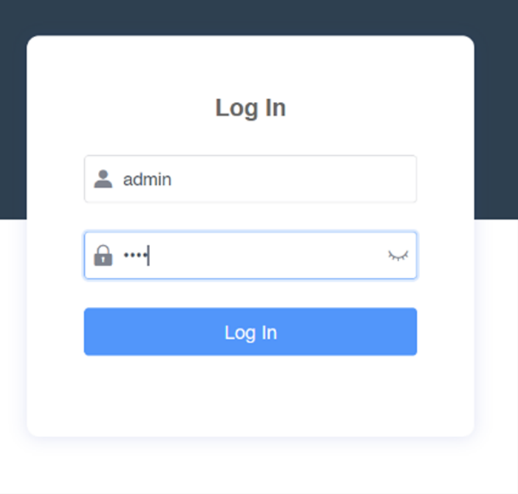
Open a browser and load up https://IP_Address of the panel.

User: admin

Password: 0000
 

Go to System > Device Manage

Enter this code in the ‘Server URL’ field:

M7:nfc.enable=1

Select ‘Auto provision’

Press ‘Confirm’ to save the changes.

Ascentae Support

From pre or post deployment, we can help you every step of the way. We'll assign you a designated Account Manager and a Project Manager for a smooth process from start to finish.


Support Packages

We can provide Silver or Gold Warranty packages depending on your requirements. These can include advanced replacement hardware, out of hours support and remote management of your portal.

Please contact us to discuss.

Was this article helpful?