
You must have Integration configured on your portal in order to set this up.
If you do not have integration, please speak to your account manager for pricing.
In February 2025, GoBright expanded their integration options. Rooms can already be linked to a room resource email address in O365 - but now desks and parking can be configured in the same way too.
Each desk / parking space needs to be linked to a resource email address in your O365 environment. For example:
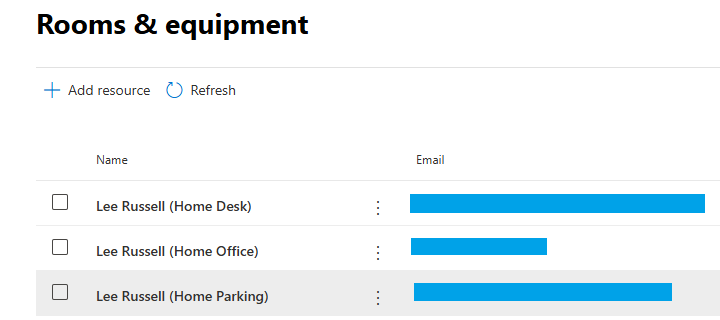
Once the resources are configured, they need to be setup in GoBright.
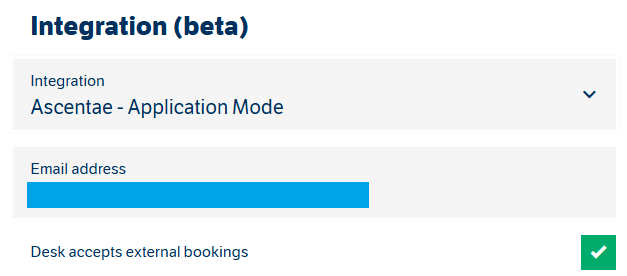
Desks
On the GoBright portal head to Settings > Work and select the relevant desk you need to update. You need to change 'no integration' to the relevant name of the Integration you have configured.
Parking
The same as the above applies for parking, but can be found under Settings > Park.
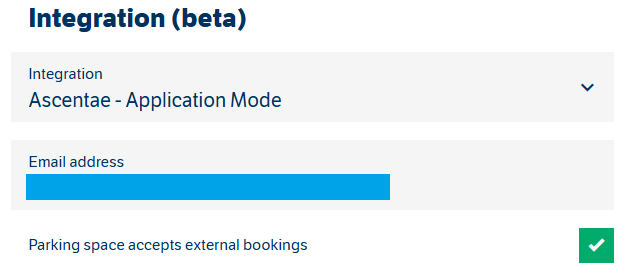
Once Microsoft and GoBright have synced, you can book directly from Outlook.
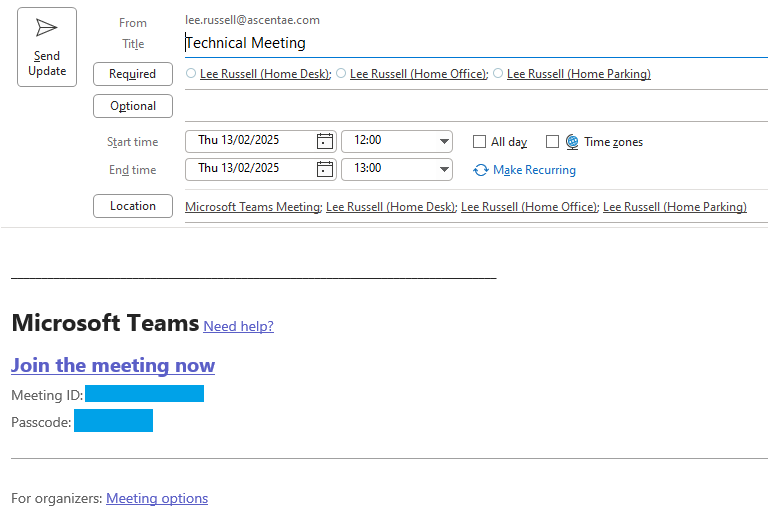
For example, you can book an office, desk and a parking space via Outlook at the same time:
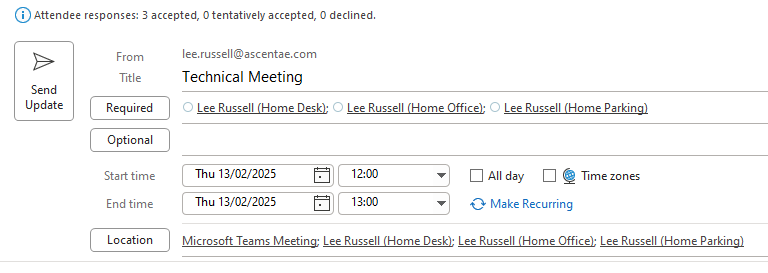 And this will update both your calendar and the calendar for the room(s).
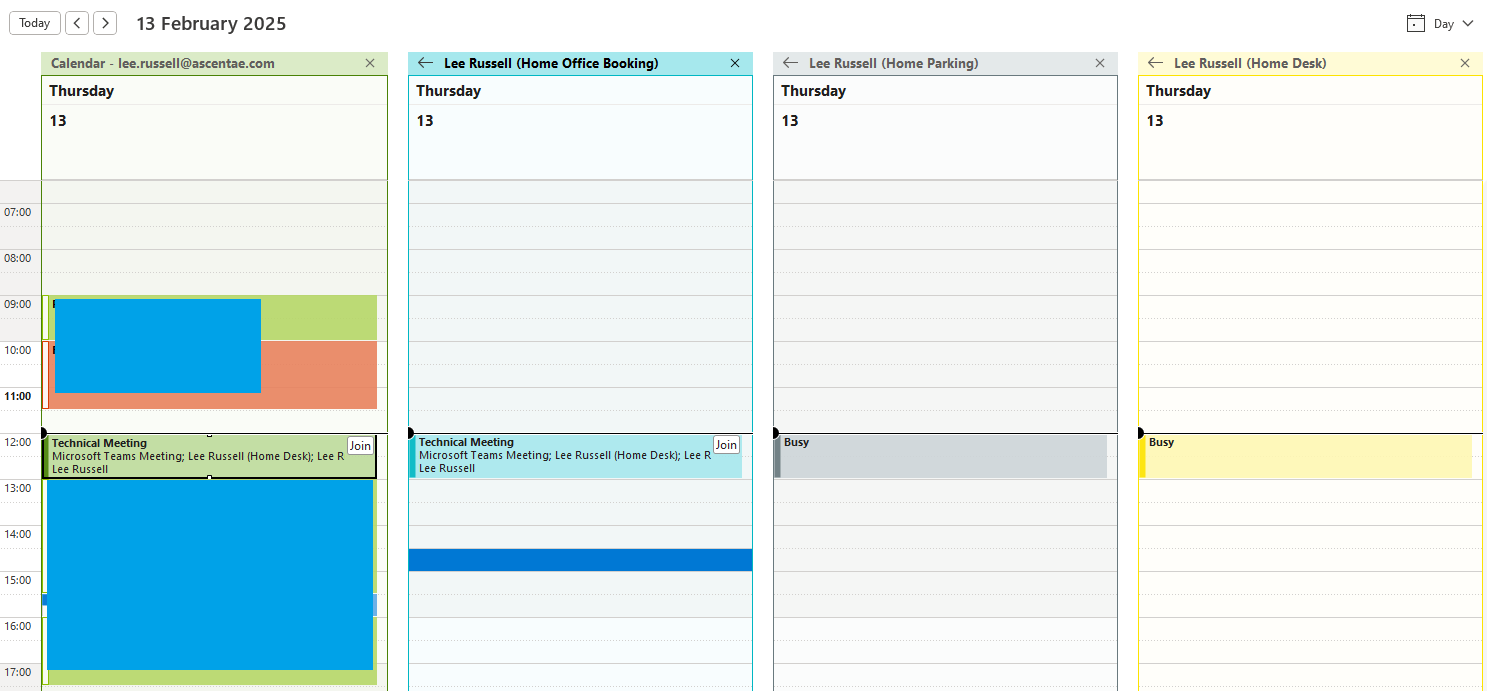
The update is pushed to the GoBright portal. For example:
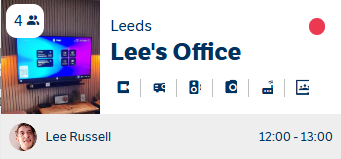
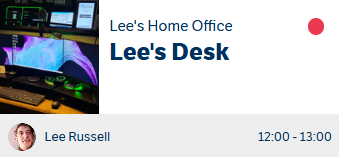
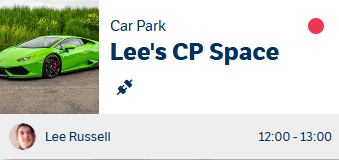
If you have Teams integration enabled, the link is automatically added to the invite for the calendar of the person booking the room and also the rooms resource itself.
If you have any questions, please contact support@ascentae.com for assistance.